A safe first system
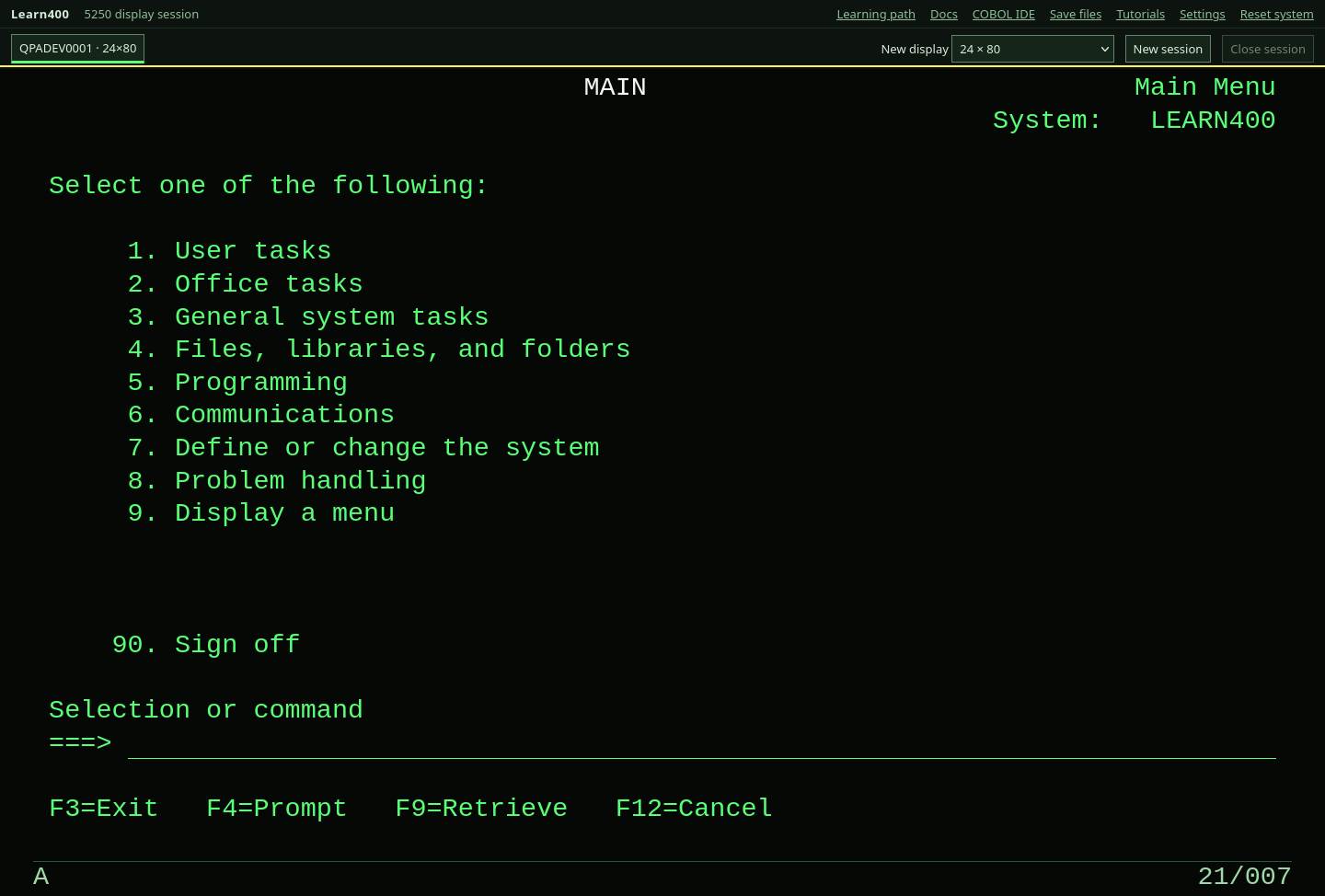
Practise on a system of your own. Write your first CL, COBOL or RPG program, break things, reset and try again. Nothing to install and nothing to pay.
Learn IBM i by doing
Learn IBM i hands-on: COBOL, RPG, CL and SQL on an AS/400-style system, free in your browser.
No account. No install. Your system stays in your browser.
Who it is for
Practise on a system of your own. Write your first CL, COBOL or RPG program, break things, reset and try again. Nothing to install and nothing to pay.
Coming from Java, Python or the web? Learn libraries, the library list, jobs, spooled files and the 5250 by doing the everyday tasks yourself.
Give each person a hosted practice system with real TN5250 access, or one system per student for a course. Follow the same lessons side by side.
The learning path
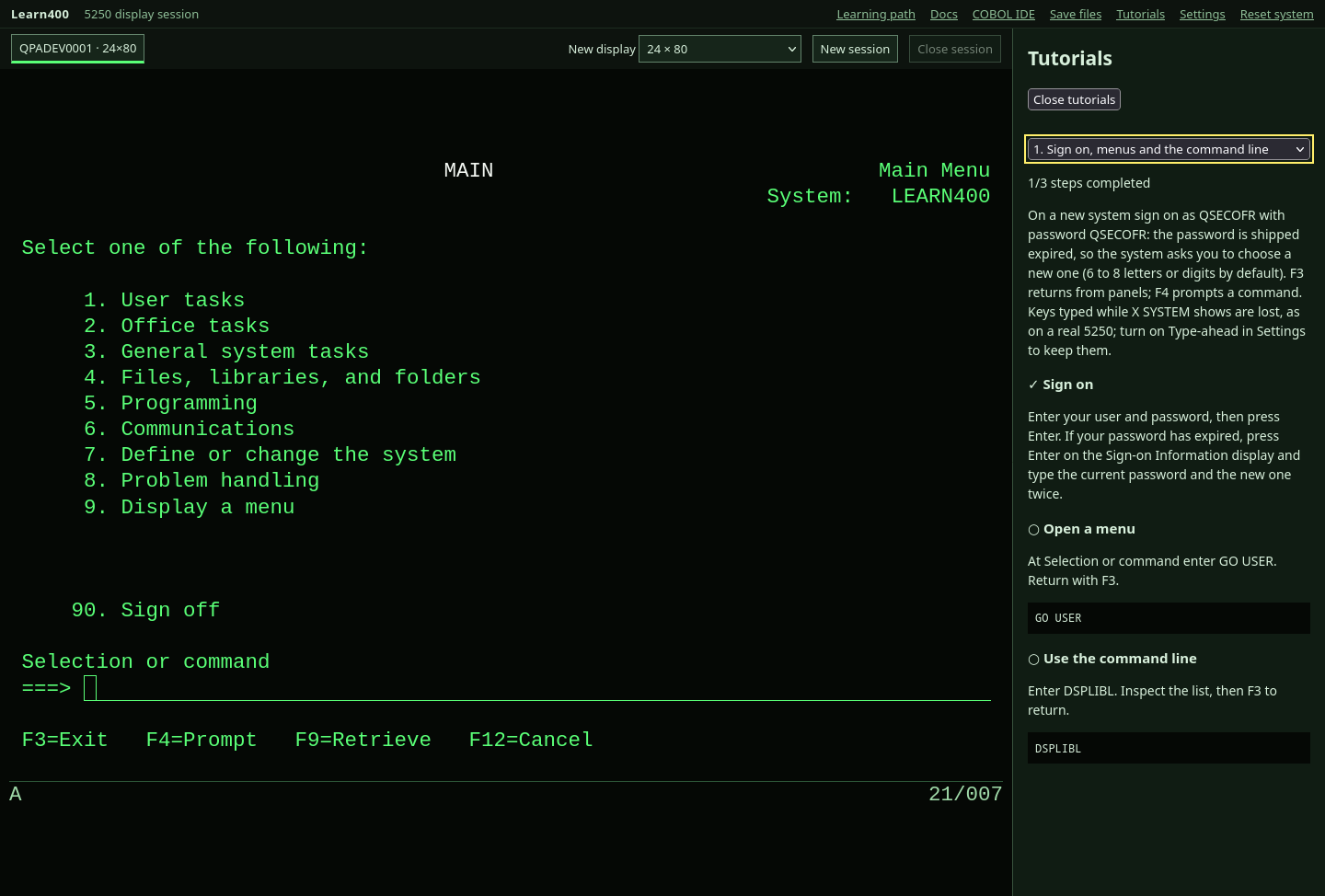
Sign on, menus and the command line · Libraries, objects and the library list · PDM and the editor
Your first CL program · Your first COBOL program · Your first RPG program · Physical and logical files with DDS · SQL with STRSQL
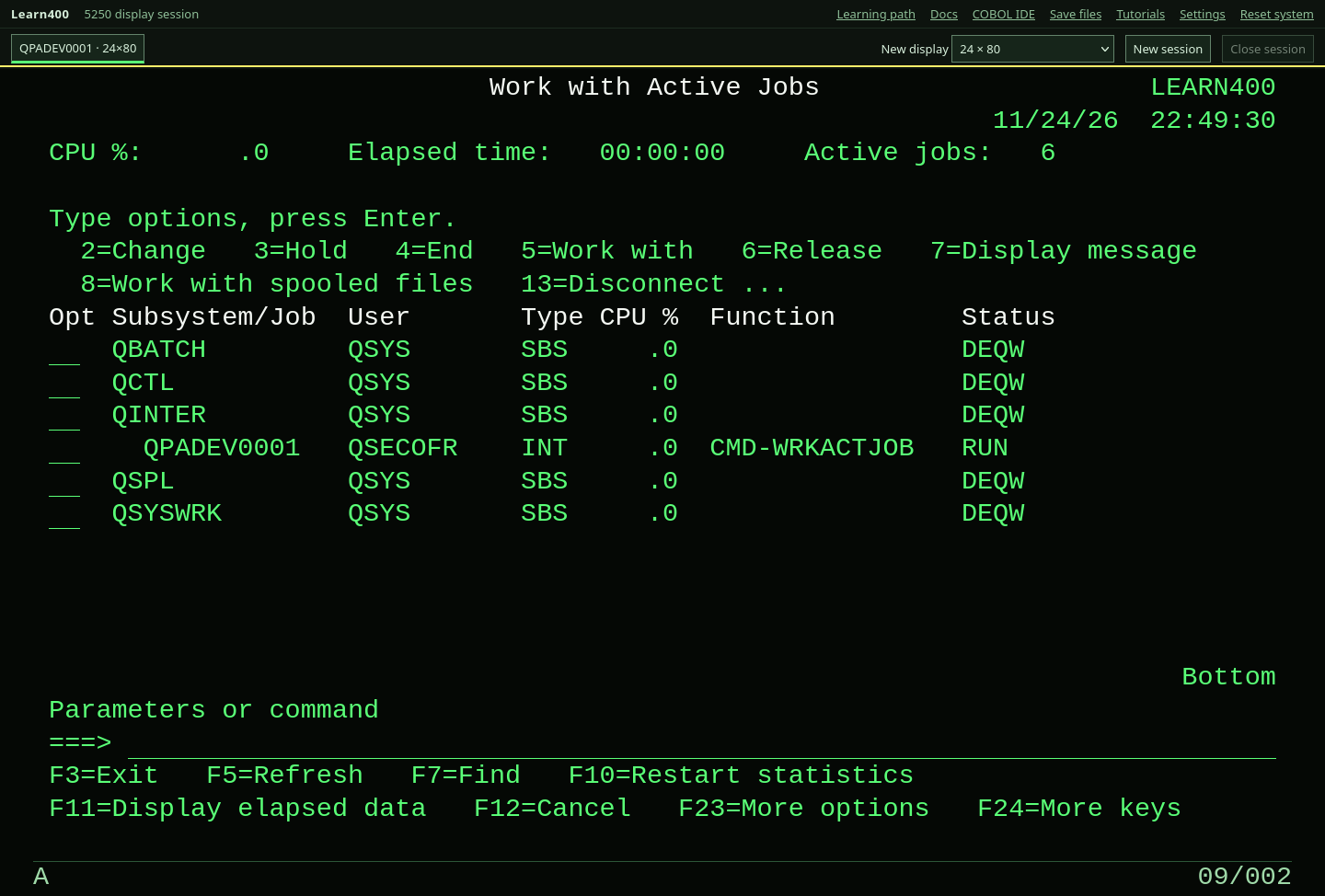
Display files and subfiles · Batch jobs, job queues and spooled files · Exploring the ORDERS application · PDM day to day · Embedded SQL in RPG and COBOL · Your own menu · Data entry with DFU
Work management · Security basics · Qshell scripts · Debug an RPG program · Your own help and panels · Save and restore · SQL performance · Job accounting
Stream files in the IFS · Schedules and the reply list · Query/400 reports · Interactive SQL in depth · Your own menu from IBM's source · The INVENTORY sample: service programs and transactions
Free, in your browser
The free edition runs entirely on your computer. It is not a trial and has no time limit.
Start your free system ↗Inside the system
What Pro adds
One always-on hosted system with backups and TN5250 access for one developer. Learning stays free: Pro is for people who want their system available everywhere, or to connect their own tools.
Start here. Grow when you need to.
The hosted plans are coming soon. The free edition works today, with no account and no time limit.
$0
in your browser
Runs entirely in your browser. One user, one session, data kept in the browser.
$15
per month
One always-on hosted system with backups and TN5250 access for one developer.
$49
per month
Shared hosted systems for a team: multiple user profiles, security, audit.
$99
per month
One system per student with an instructor console, for courses and bootcamps.
Prices in USD; configured prices are provisional. Plan allowances describe access. See the hosted guide for available services and current limits.
What it is
Learn400 is an independent learning environment for IBM i skills. It recreates the behaviour you meet on the job: the commands you type, the objects you create and the programs you run.
It is a behavioural emulator. It does not boot an IBM operating-system image or execute Power machine instructions, and it implements a growing subset of the platform. Check anything you rely on against a real IBM i system.
One command is enough to begin
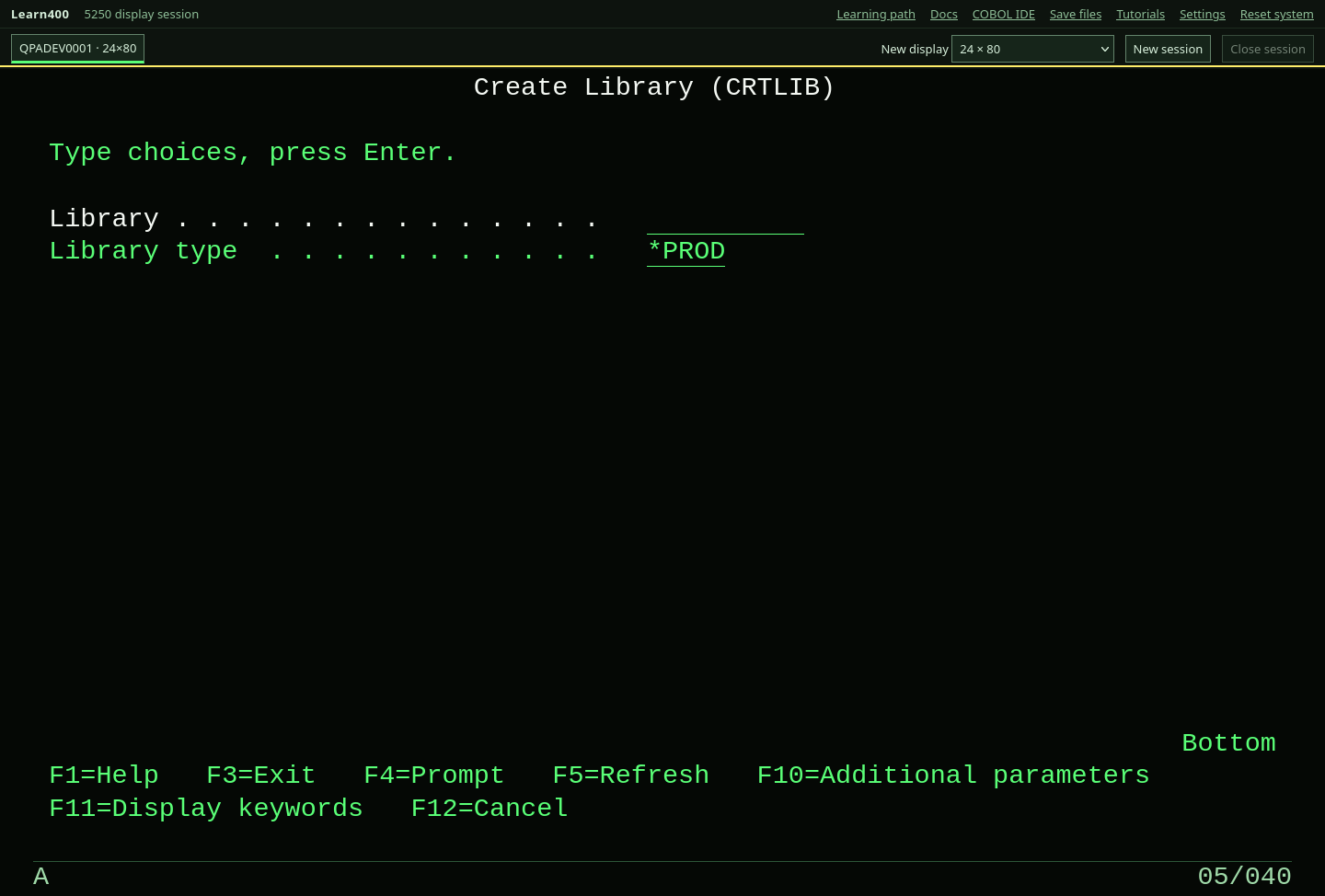
Your first library is waiting to be created.
Start your free system ↗